Navigate this link to download SQL SERVER:
https://www.microsoft.com/en-pk/download/details.aspx?id=42299
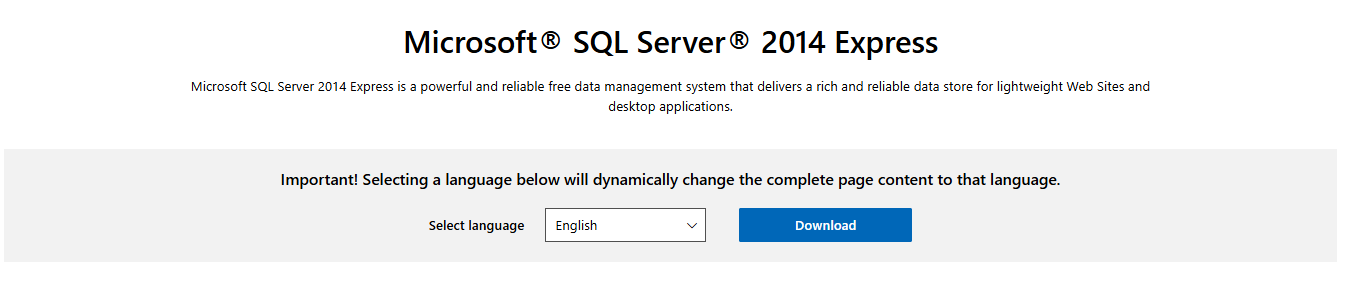
Click on Download:
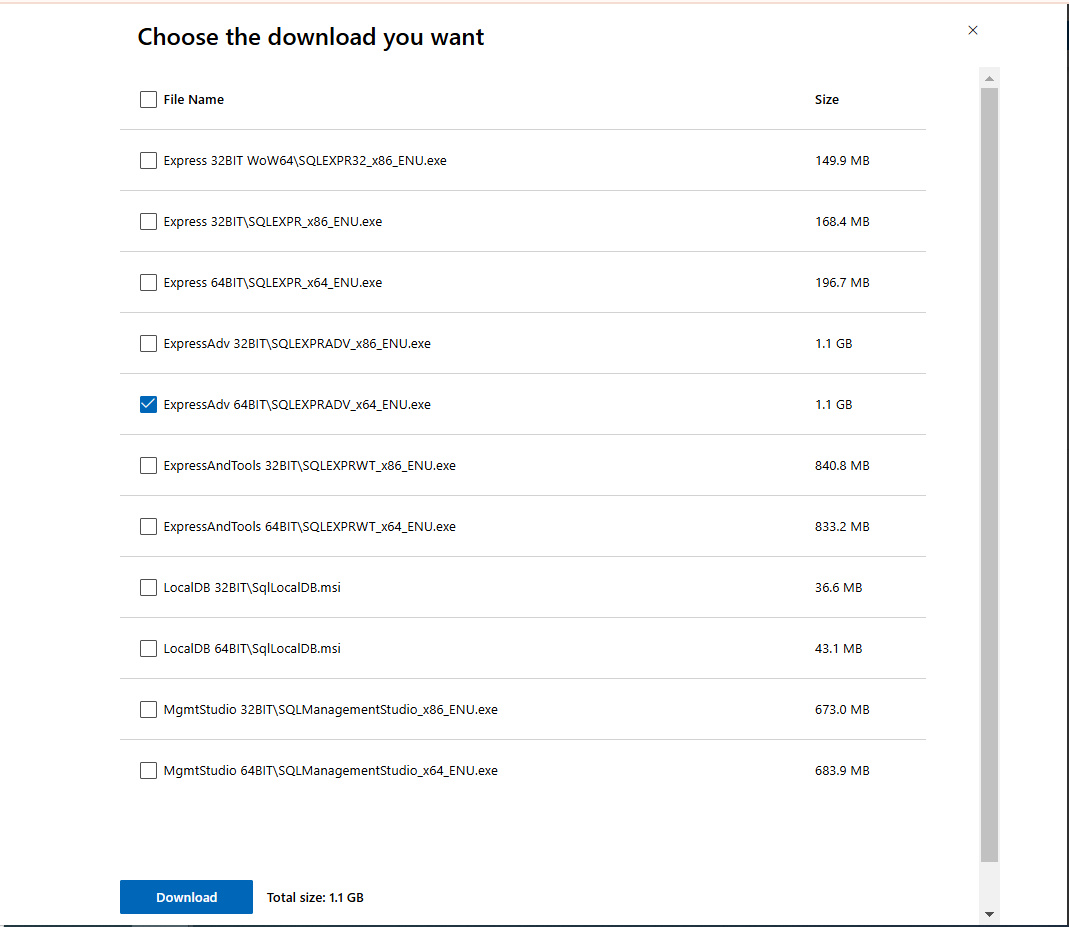
Choose the selected one file option to download it.
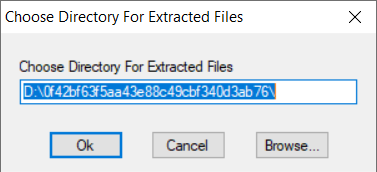
Once downloaded, go to Downloads and double click on it to start installing it.

Click Ok
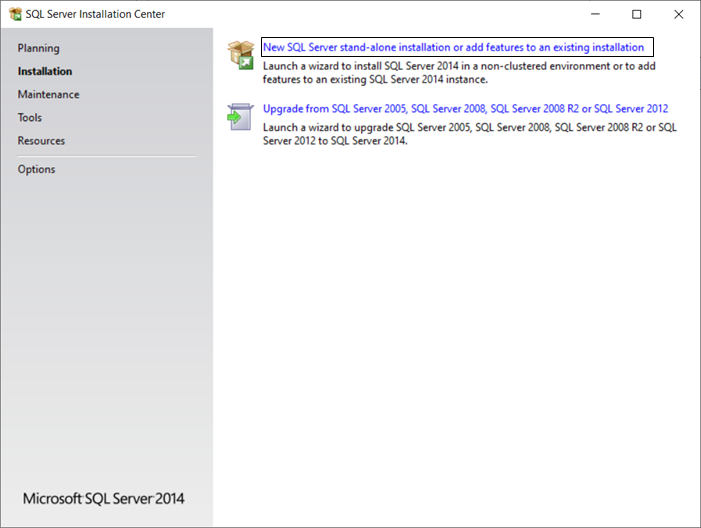
Click on first option.
Click on I accept the license terms checkbox and press Next
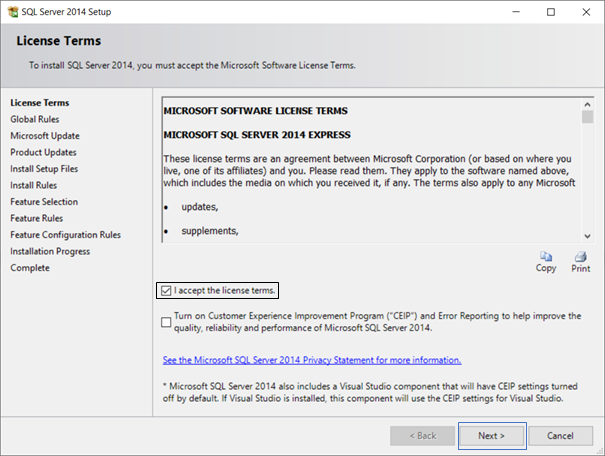
Press Next & proceed
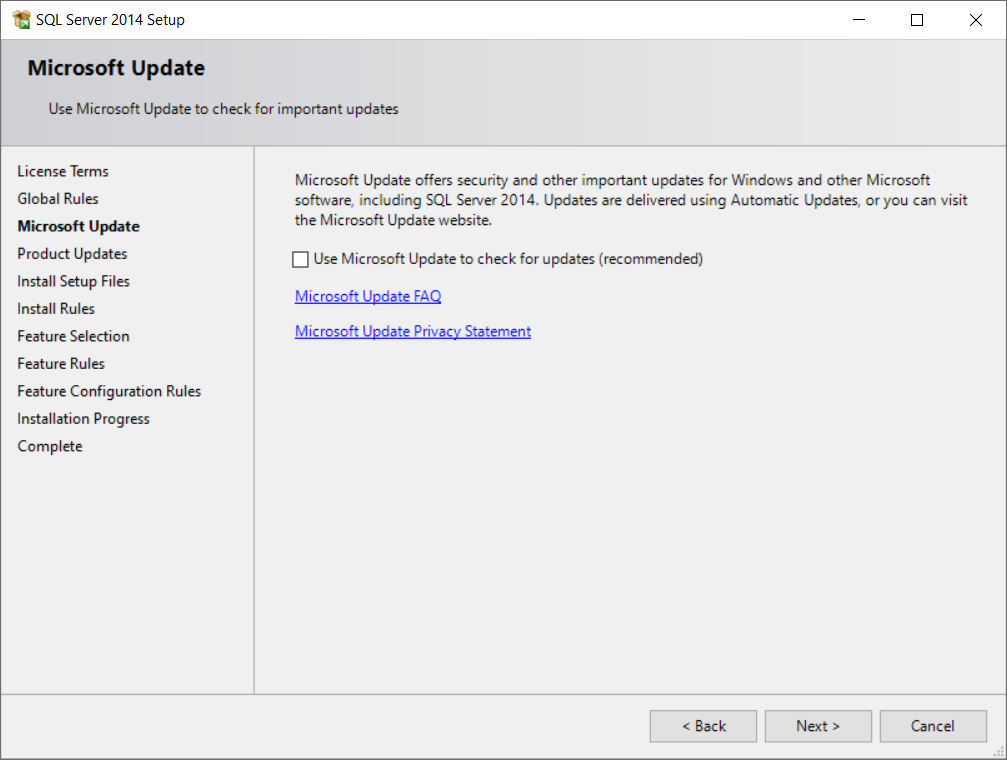
Press Next & proceed
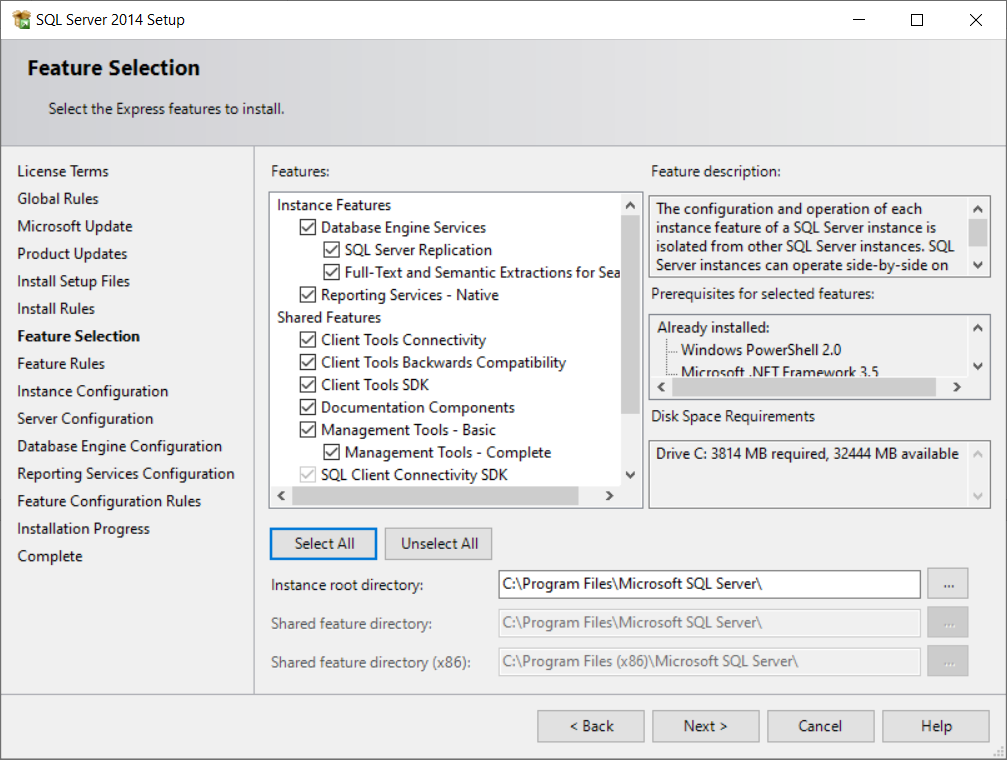
Click on Default Instance & press Next.
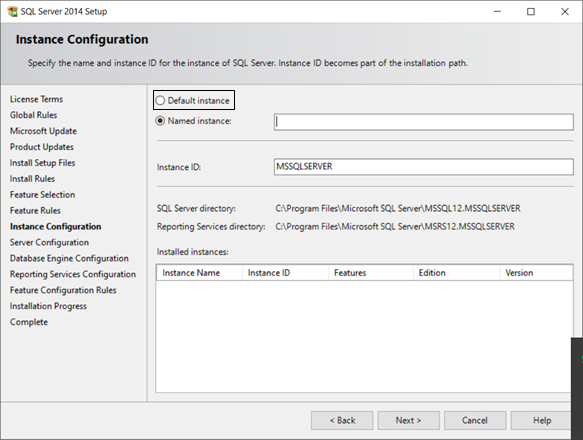
Press Next
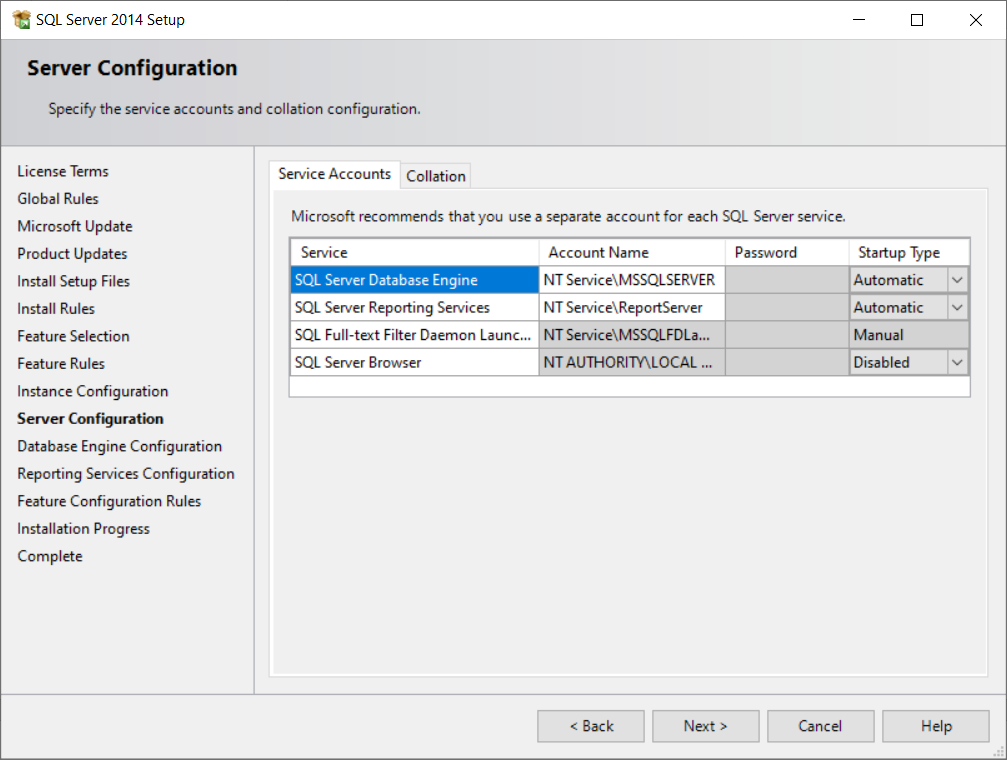
Choose 1) Mixed Mode 2) Enter & Confirm Password 123456 & Press Next.
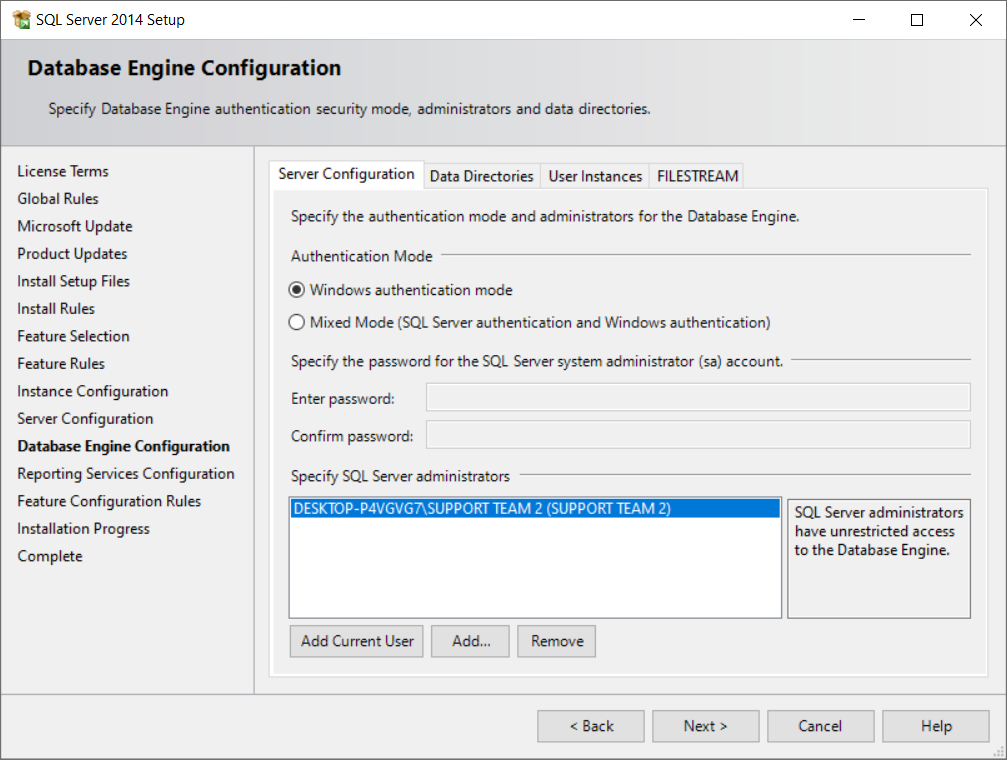
Press Next and it will be installed.
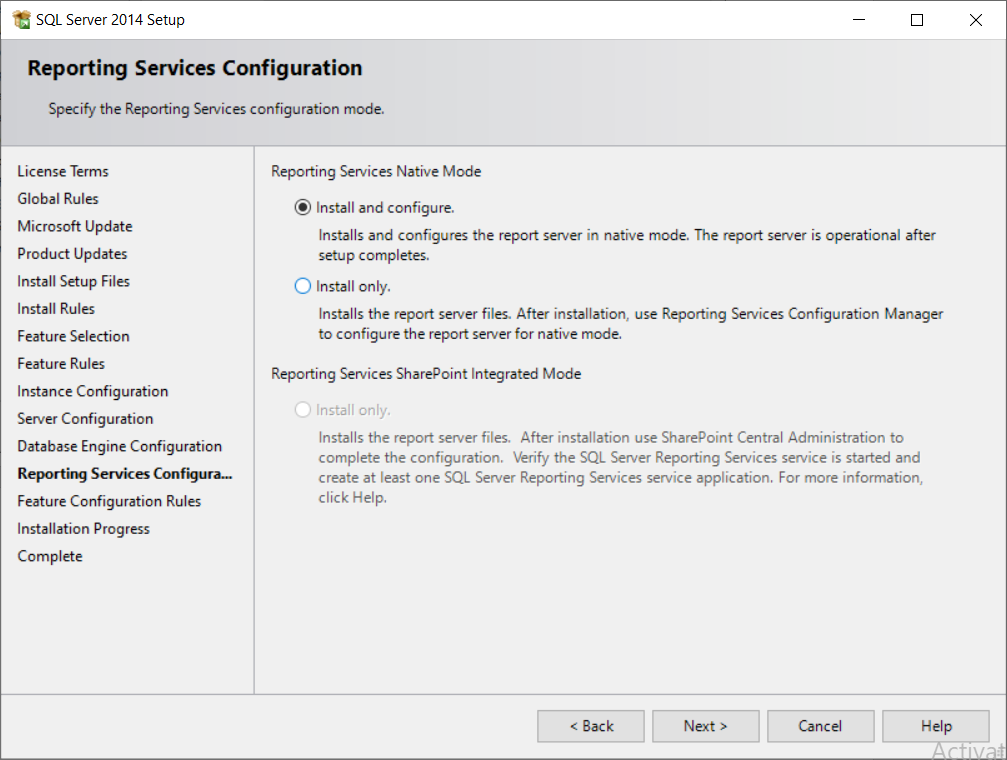
TO CONFIGURE SQL SERVER 2014 EXPRESS
Search in search bar SQL Configuration and Run it as Administrator.
Then double click on SQL Server Network Configuration.

Now click on Protocols of MSSQLSERVER, Right click on TCP/IP, enable it & press Ok OR Yes.
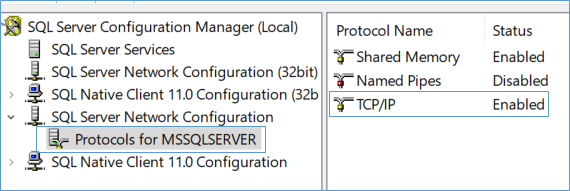
Now click on SQL Server Services & right click on MSSQLSERVER Service & restart it.

No close this software & search Windows Defender Firewall & open it.
Then Click Advanced Settings.
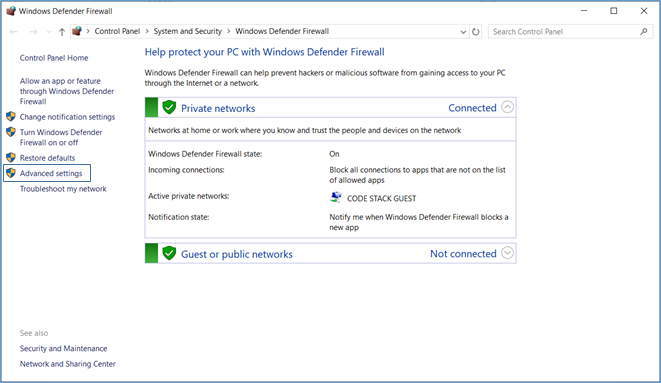
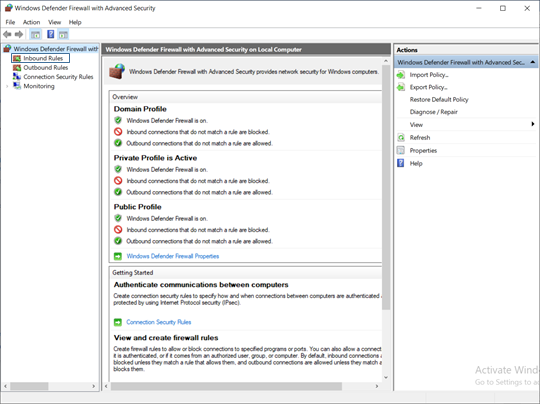
Then go to Inbound Rules.
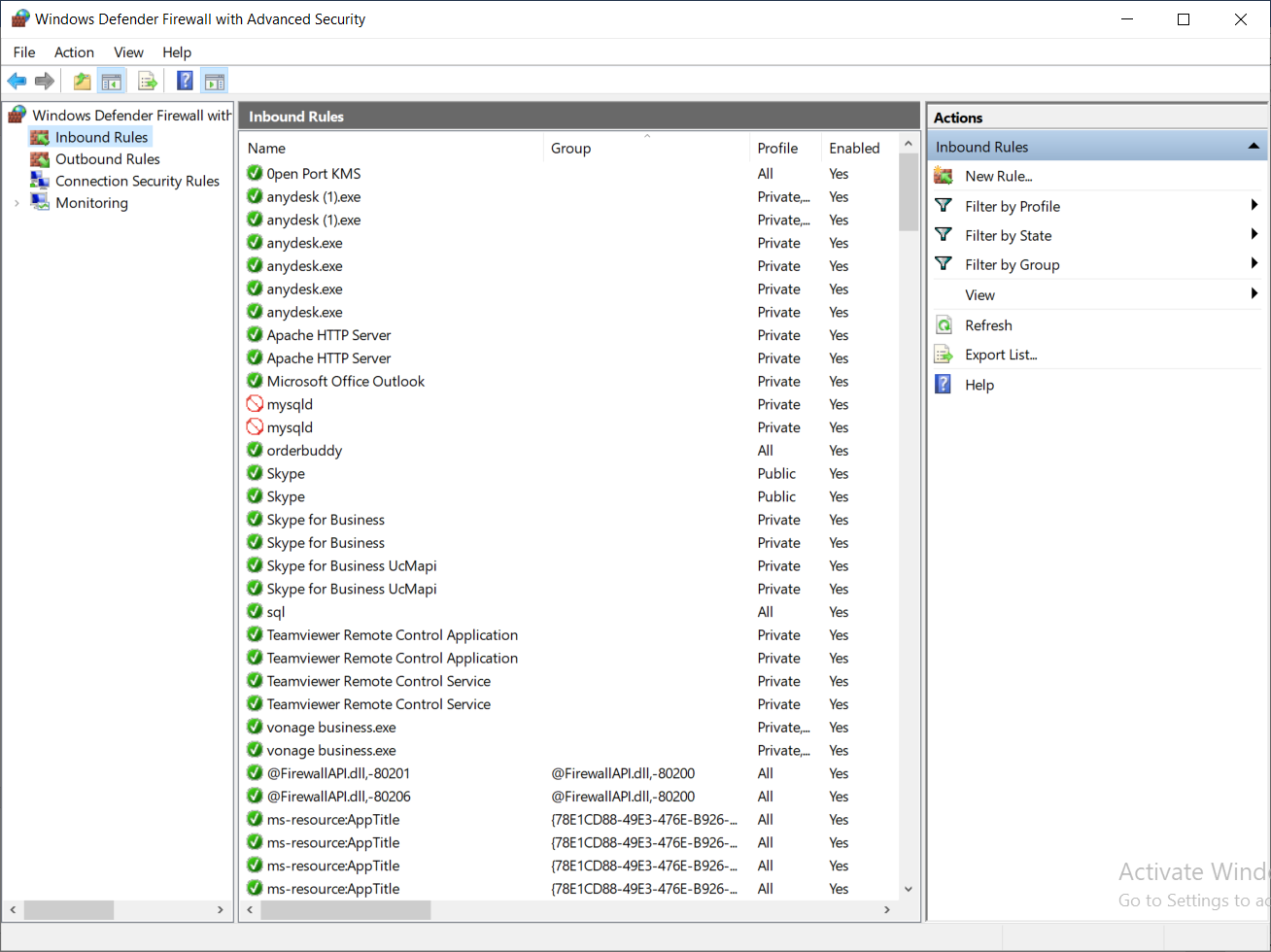
Now create New Rule.
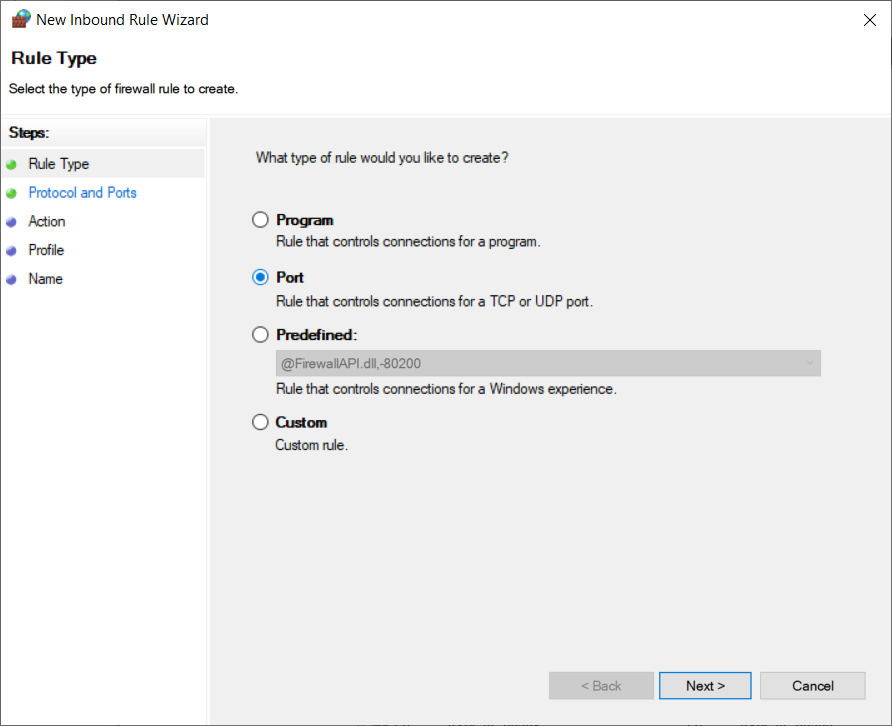
Now select Port option & press Next.
Now write 1433 & press next
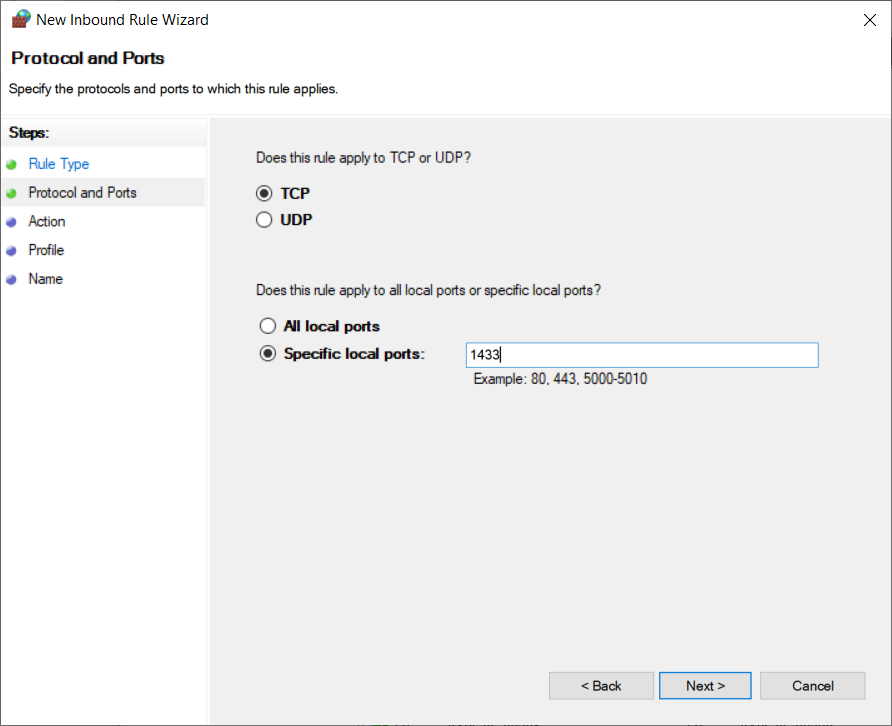
Press Next again
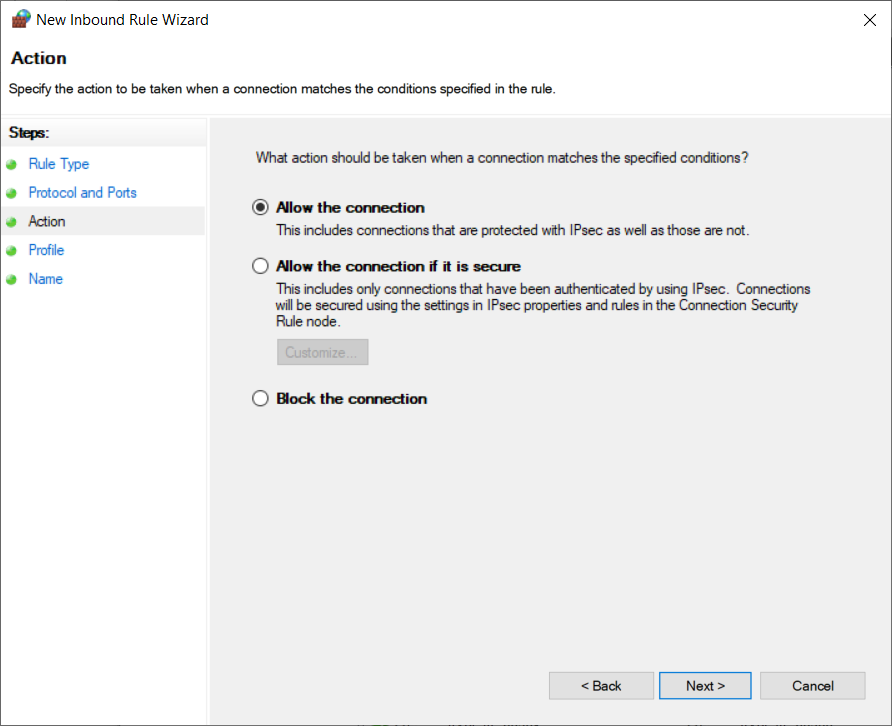
Press Next & proceed.
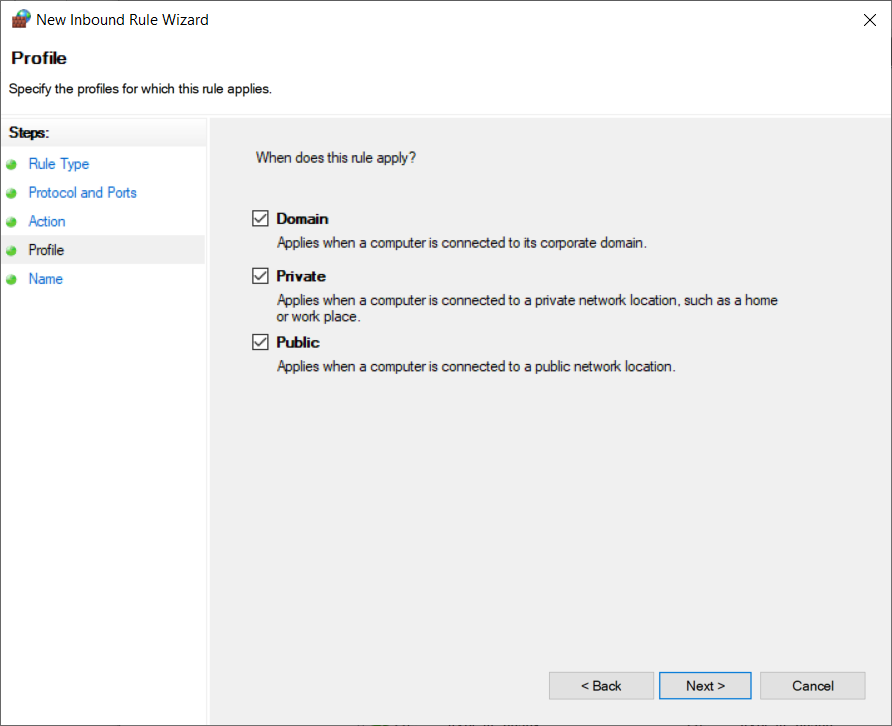
Now write sql & press Finish.
And with this SQL Installation & Configuration is done.